Jippoo
Hosting a private party usually meant a Facebook event, a group chat and a spreadsheet for who owes what. Jippoo puts the invite, the plan and the money in one app, built around the people who are coming. I designed it and built much of the app.
- Role
- Product design · Build
- Platforms
- iOS · Android
- Team
- Niklas and me at Techtify, plus a developer for a short period
- Made at
- Techtify AB · in-house product
- Disciplines
- Product design · UI/UX · Front-end · Brand
- Online
- jippoo.com
Context
Niklas and I got tired of needing Facebook to host a private event. The alternatives were group chats where the details get lost, and a separate app for every chore: polls, gift lists, splitting the bill.
Who it's for
People who host private events (birthdays, school endings, dinners, trips) and the friends and family they invite.
Constraints
- 01Private by default, while still letting an event spread the way invites spread in real life
- 02Every event is different, so the tools can't all be on screen at once
- 03Guests must be able to take part without learning a new system
My role
I shaped the product with Niklas, designed the app and its brand, and built a large part of the React Native front-end.
- Product scope and feature set
- Brand: the yellow Jippoo mark and the visual language
- Interaction design for creating, inviting and running an event
- Front-end of the event page, functions and cost sharing
Key decisions
The calls that shaped it
Two kinds of private
- Problem
- "Public or private" didn't match how real events work. A party is private, but the guests' friends often hear about it and should be able to see it.
- Decision
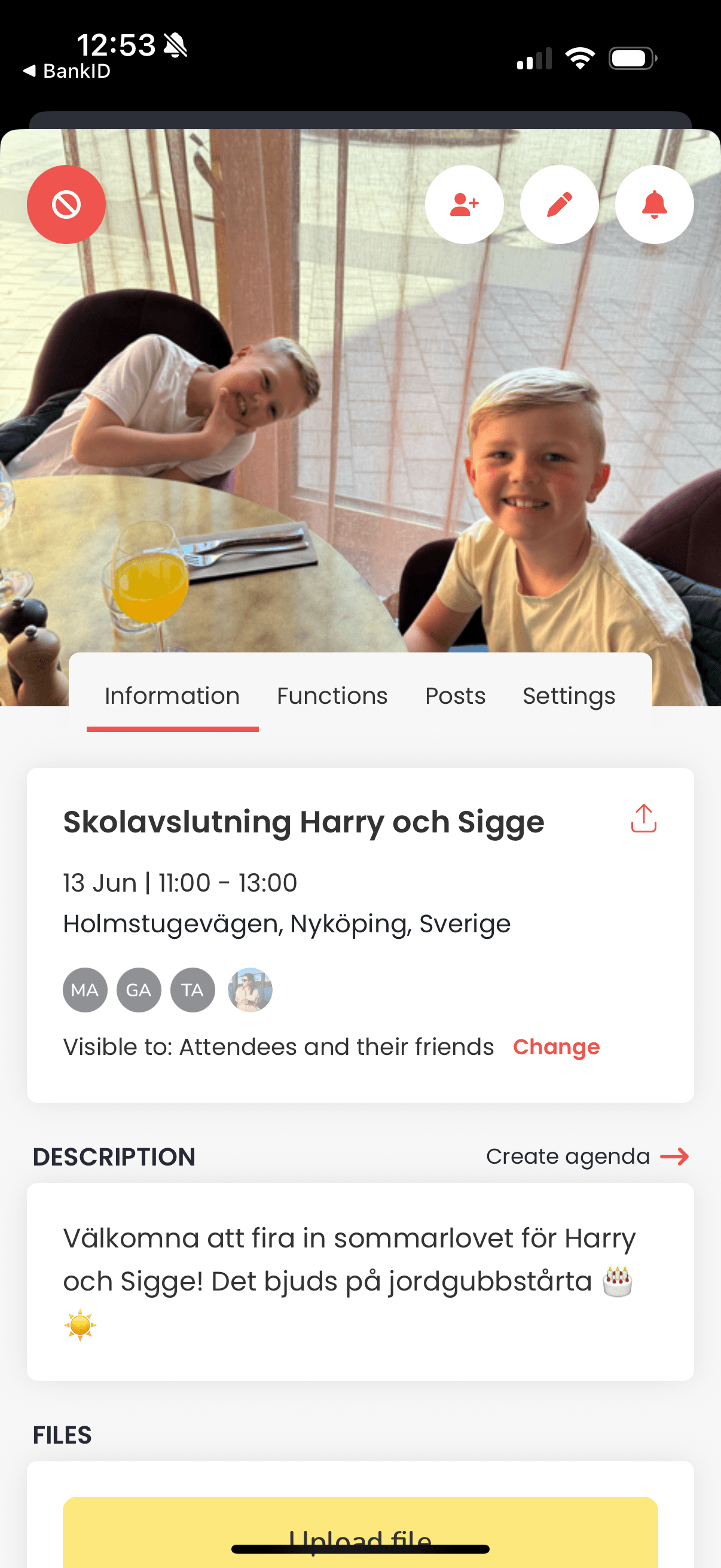
- The host picks who can see the event: "Attendees only" or "Attendees and their friends". It is shown on the event card with a one-tap "Change". If it's a surprise, the event can be hidden from friends entirely.
- Why
- It copies how word of mouth works, without making anything public. The setting sits where people look, not deep in settings.
Functions you add, not features you scroll past
- Problem
- A poll, a todo list, a wishlist, cost sharing and a quiz are all useful, but no single event needs all of them. Showing everything turns the event page into a dashboard.
- Decision
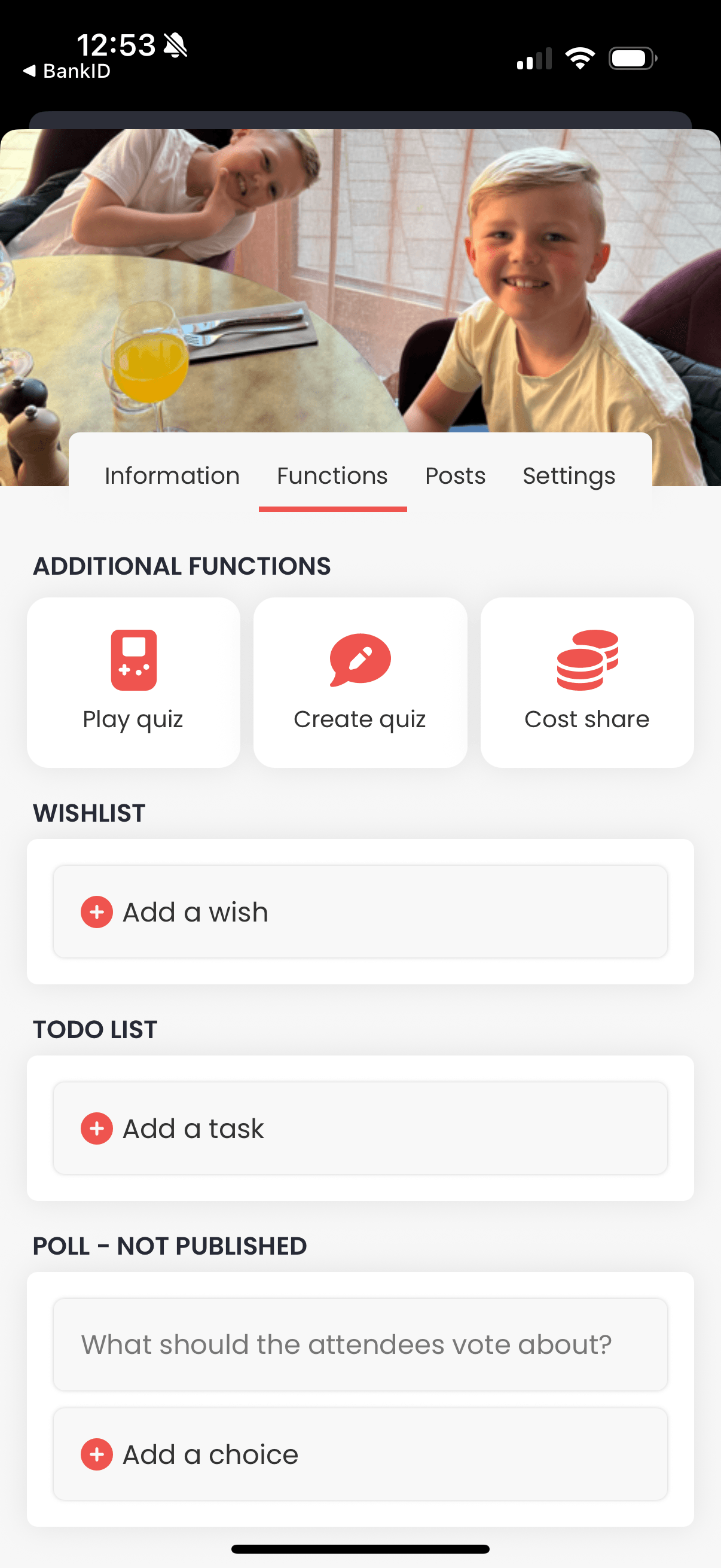
- The event page has four tabs: Information, Functions, Posts and Settings. Functions are opt-in: the host adds a poll, todo list, wishlist, cost share or quiz when the event needs it. Hosts can also add co-hosts and let friends invite their own friends.
- Why
- A simple dinner stays simple and a big birthday gets the tools it needs. Guests only see what the host chose to use.
A wishlist the birthday person can't see
- Problem
- Gift lists are a classic group-chat mess: duplicates, and the person being celebrated sees everything.
- Decision
- When adding a wishlist, the host picks its receivers, and the list is hidden from them. The other guests see the wishes.The receiver sees "This is not for your eyes to see", and while editing the host is reminded that receivers can't see it.
- Why
- It keeps the surprise, and guests coordinate gifts in the same place as the event. The screen states the rule, so nobody wonders who can see what.
Flow
From invite to after-party
Jippoo v1 on iOS. One event page holds everything a group needs, so nobody has to leave the app to plan.
Start: your next event
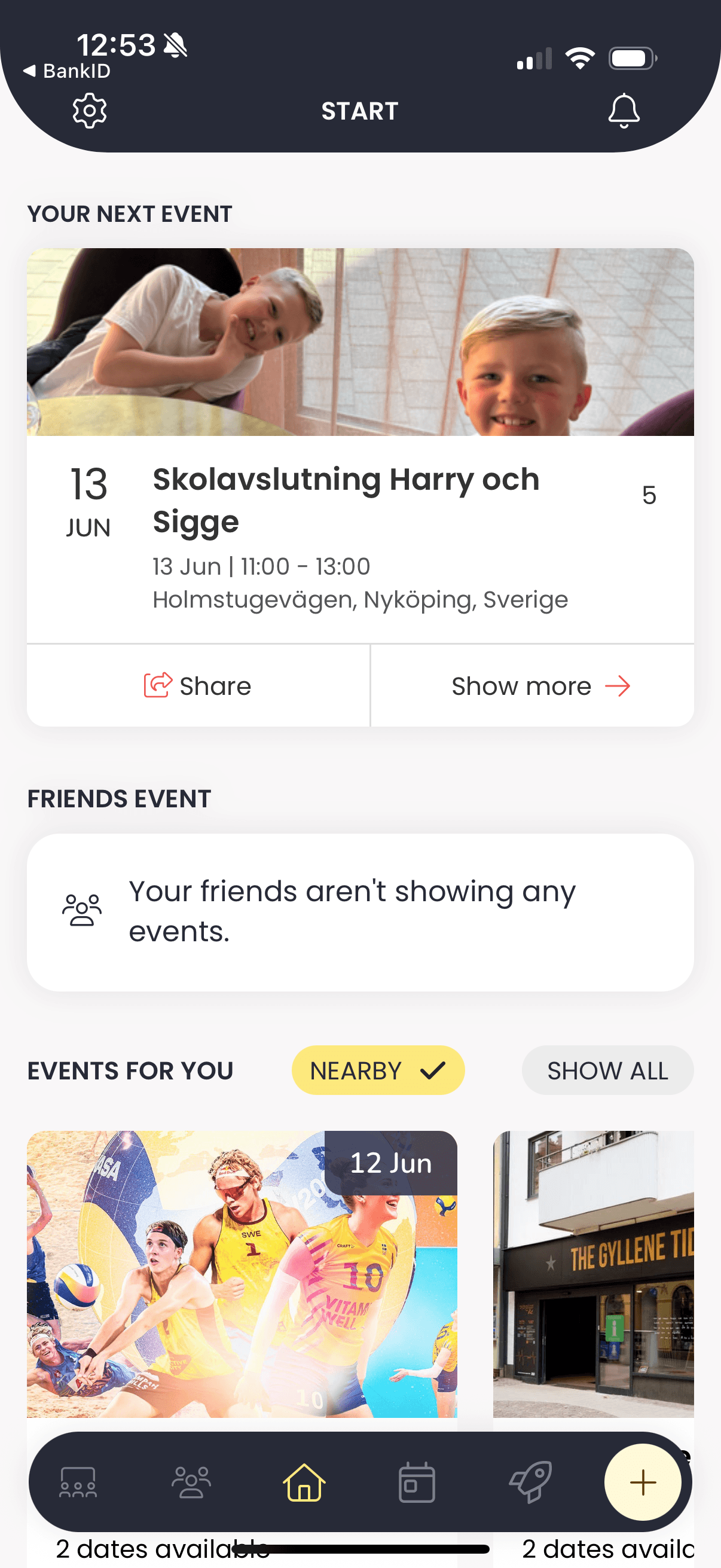
The home screen leads with the next thing you're going to, then friends' events and public events nearby.
Discover
Events for you, friends' events and something new, filtered by city. Public events sit next to private ones without mixing them up.
The event page
Time, place, who's coming and who can see it, with the visibility setting one tap away instead of buried in settings.
Functions per event
Wishlist, to-do, polls, quiz and cost share are added per event, so a dinner stays simple and a trip gets the tools it needs.
Groups
Recurring crews like family or the office become groups, so inviting the same people again is one tap.
On the web
Live on the web
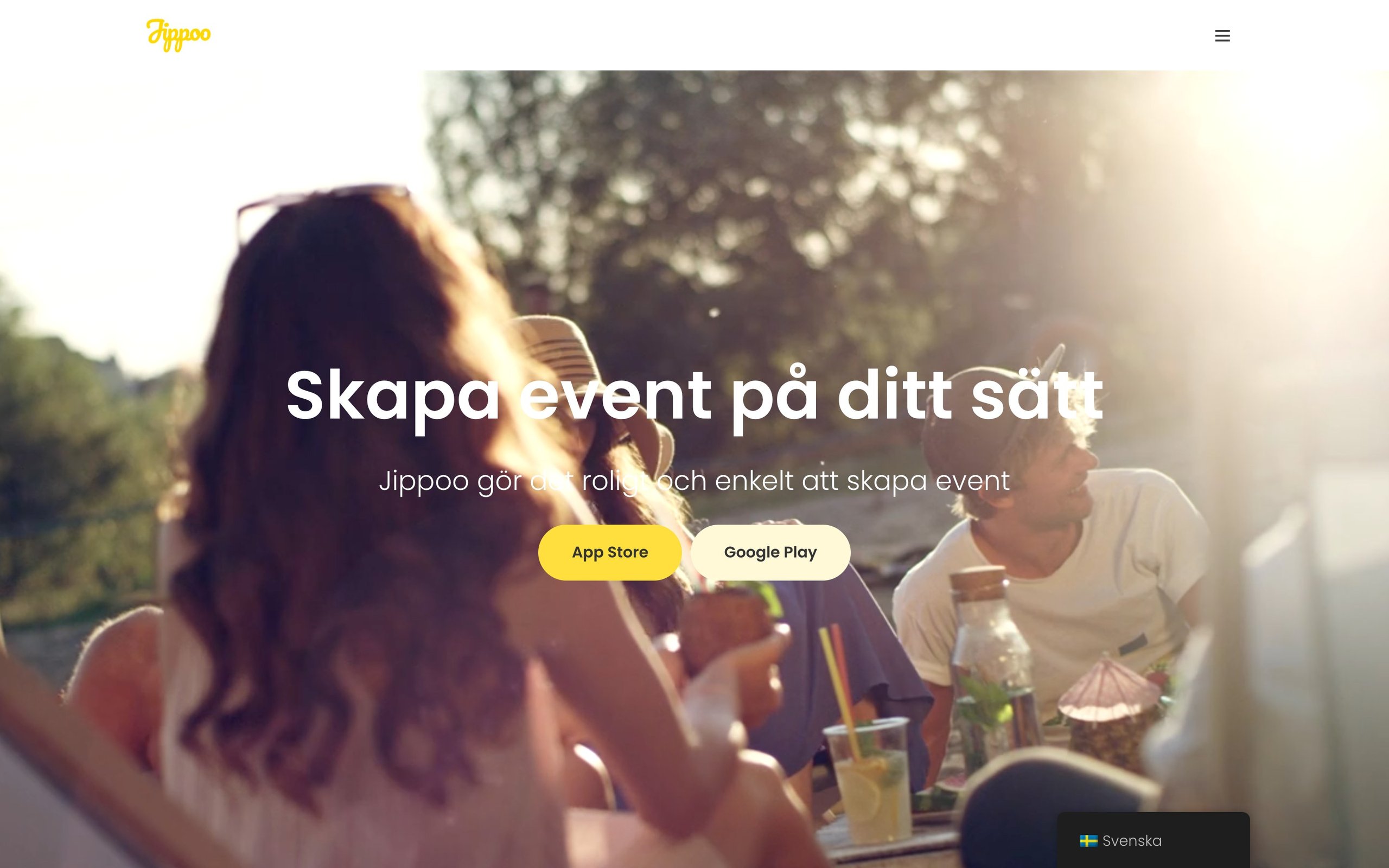
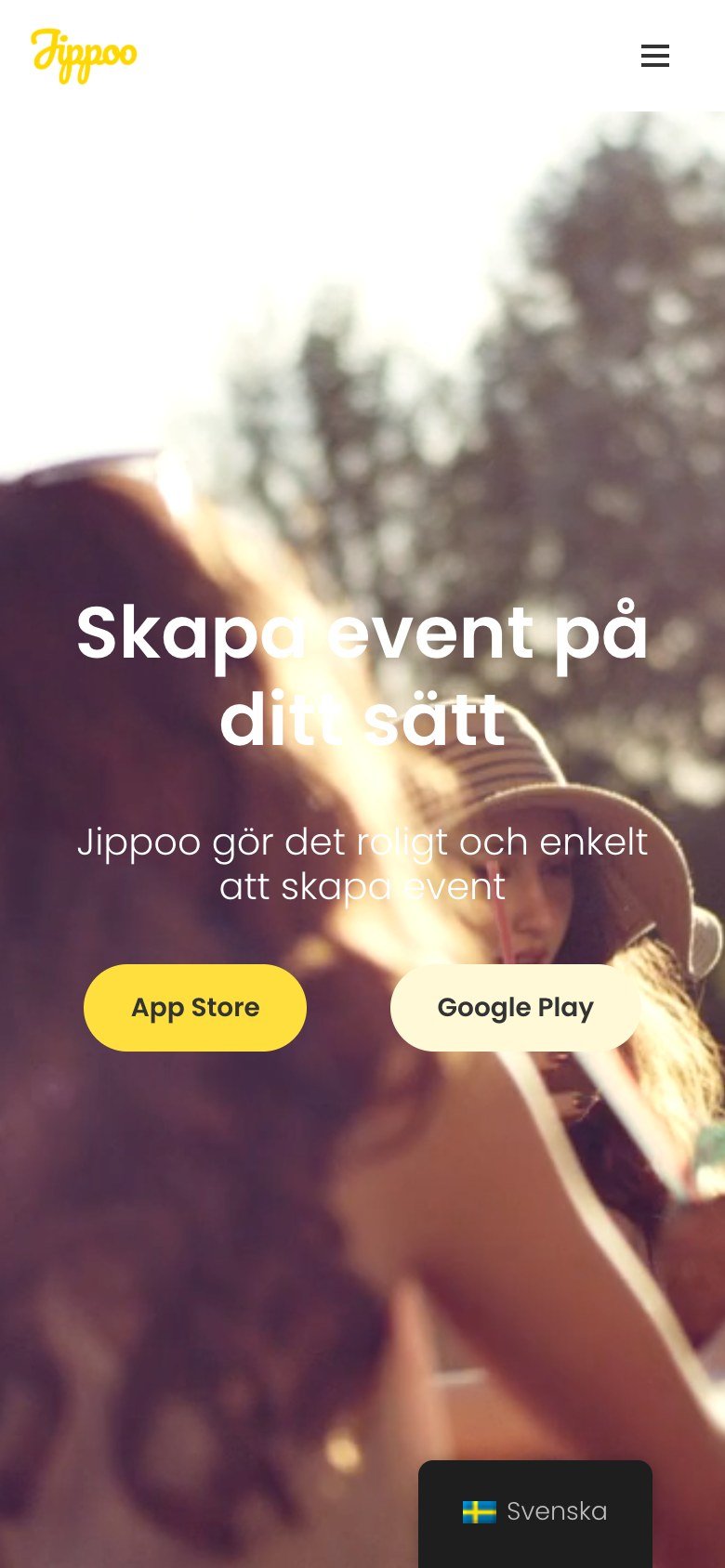
The public site, live today.
Visit jippoo.comDesign system
The system
Bright yellow for the brand and the moments that matter, on a calm light base with dark buttons.
Poppins
UI and headings
Nunito
Accents
- Hand-lettered Jippoo logo in a yellow circle
- Log in with BankID
- Swedish and English
Outcome
Where it landed
Version one covered events, groups, friends, posts, cost sharing with Swish, polls, wishlists and multiplayer quizzes. In 2026 I started a rebuild: a step-by-step create flow, more event widgets such as car pool, packing list and menu, and an option to create an event by voice.